This is Part 4 of 4 in our series on organizing a successful corporate workshop.
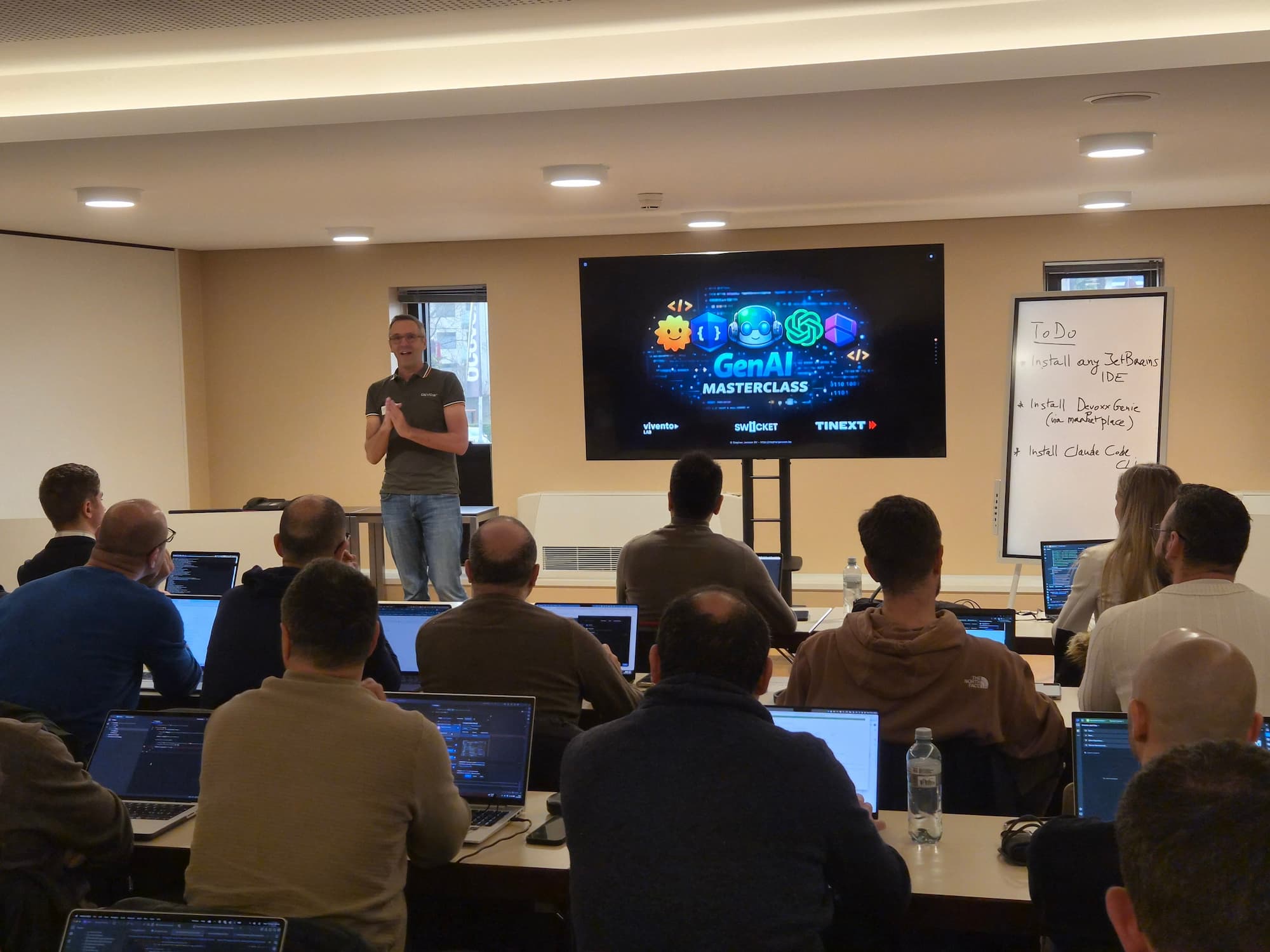
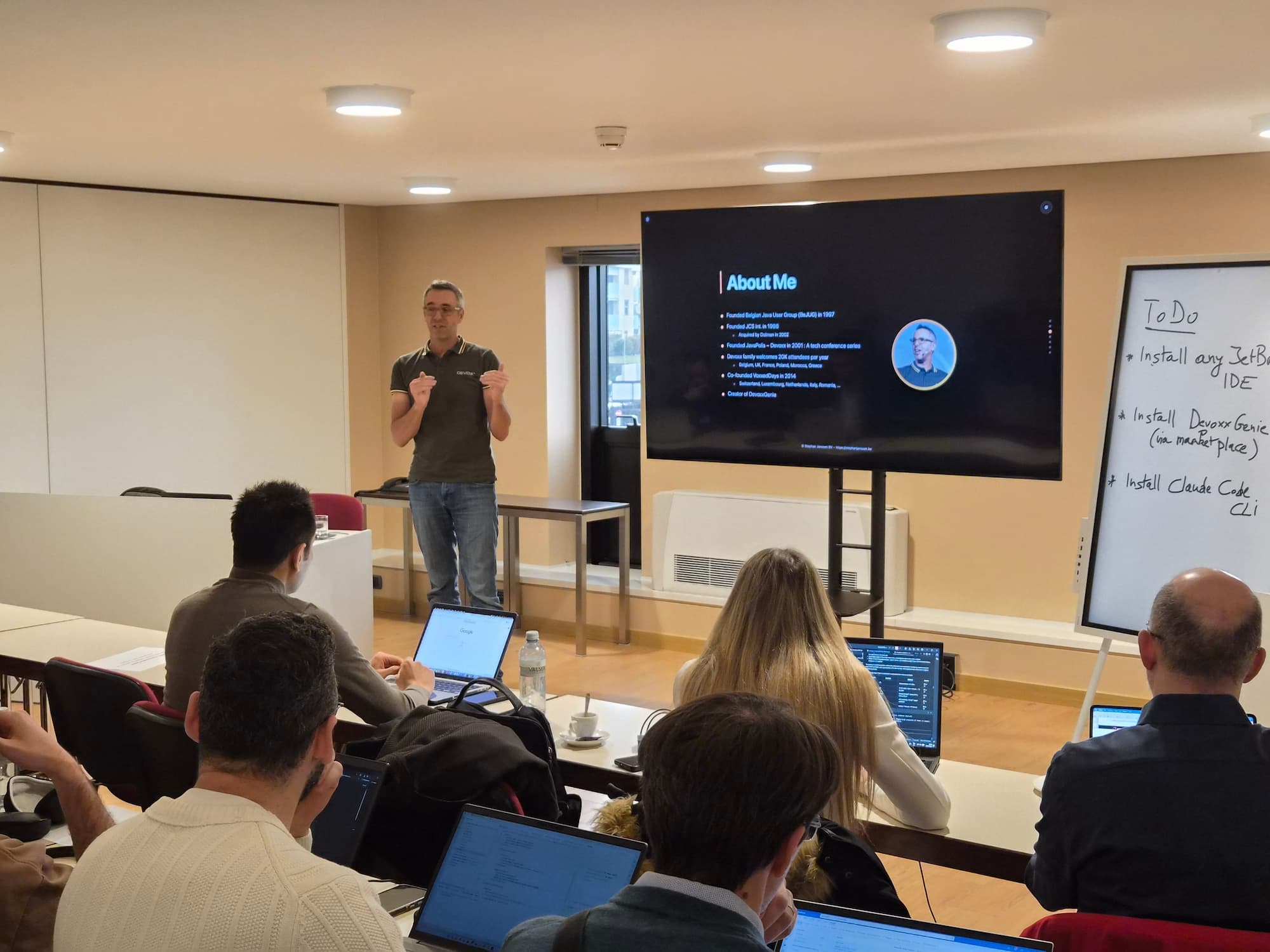
You have found your speaker, booked the venue, planned the agenda, and set up registration. Now comes the most critical day: the event itself. When we ran the GenAI Masterclass with Stephan Janssen, we followed a strict event-day checklist to make sure nothing was left to chance. Here is what we recommend.
Arrive at Least One Hour Early
There is no such thing as arriving too early on event day. Give yourself at least one hour before doors open to handle setup, troubleshoot any issues, and coordinate with venue staff. This buffer is your insurance against surprises — a locked room, missing equipment, or a last-minute layout change. Use this time to set up the check-in area, arrange seating, and verify that all materials and signage are in place.
Run a Dress Rehearsal with the Speaker
At least 30 minutes before attendees arrive, do a full technical run-through with the speaker. Connect their laptop to the screen, open their slides or demo environment, and verify that everything displays correctly. Test audio if microphones are being used. Walk through the first few slides together to make sure transitions and screen sharing work. This five-minute investment can save you from embarrassing technical failures in front of a full room.
Test Slide Readability from the Back of the Room
This is a step most organizers skip — and then regret. Walk to the very back of the room and check if you can comfortably read the slides on screen. Pay attention to font size, contrast, and code readability if the workshop involves live coding. If text is too small, ask the speaker to increase font sizes before the session starts. It is much easier to fix this before people sit down.
Check Lighting and Screen Reflections
Lighting can make or break visibility. If the venue has glossy screens, check for reflections from windows or overhead lights. Close blinds or adjust lighting to eliminate glare. For rooms with dimmable lights, find the sweet spot where the screen is clearly visible but the room is bright enough for attendees to take notes and work on their laptops. Avoid turning the room into a dark cinema — it kills energy and makes hands-on work difficult.
Set Up Check-In with Digital Tickets
Skip the paper lists. For the GenAI Masterclass, we used Swicket wallet tickets that attendees added directly to their Apple Wallet or Google Wallet from the confirmation email. On event day, we scanned tickets at the door using Swicket's mobile check-in app on a phone — no printed lists, no manual lookups, no confusion. The whole process took seconds per person and gave us a real-time view of who had arrived.
Want to set up digital check-in for your next workshop? Talk to our team and we will walk you through it.
Event-Day Checklist
Print this list and bring it with you on event day:
Arrive 1 hour before doors open
Verify room layout, seating, and signage
Test Wi-Fi speed and connectivity
Connect speaker laptop and run through slides
Check slide readability from the back of the room
Adjust lighting to eliminate screen glare
Confirm power outlets are accessible at every seat
Set up check-in area with scanning device ready
Verify catering delivery time and setup
Brief venue staff on schedule and break times
Have a backup HDMI cable and power adapter ready
Conclusion
Event day is where all your planning comes together. The key is preparation: arrive early, test everything, and have a checklist to keep you on track. With the right speaker, venue, agenda, and tools in place, your corporate workshop will run smoothly and leave a lasting impression on your team. This concludes our four-part series on organizing a successful corporate workshop — we hope it helps you plan your next event with confidence.